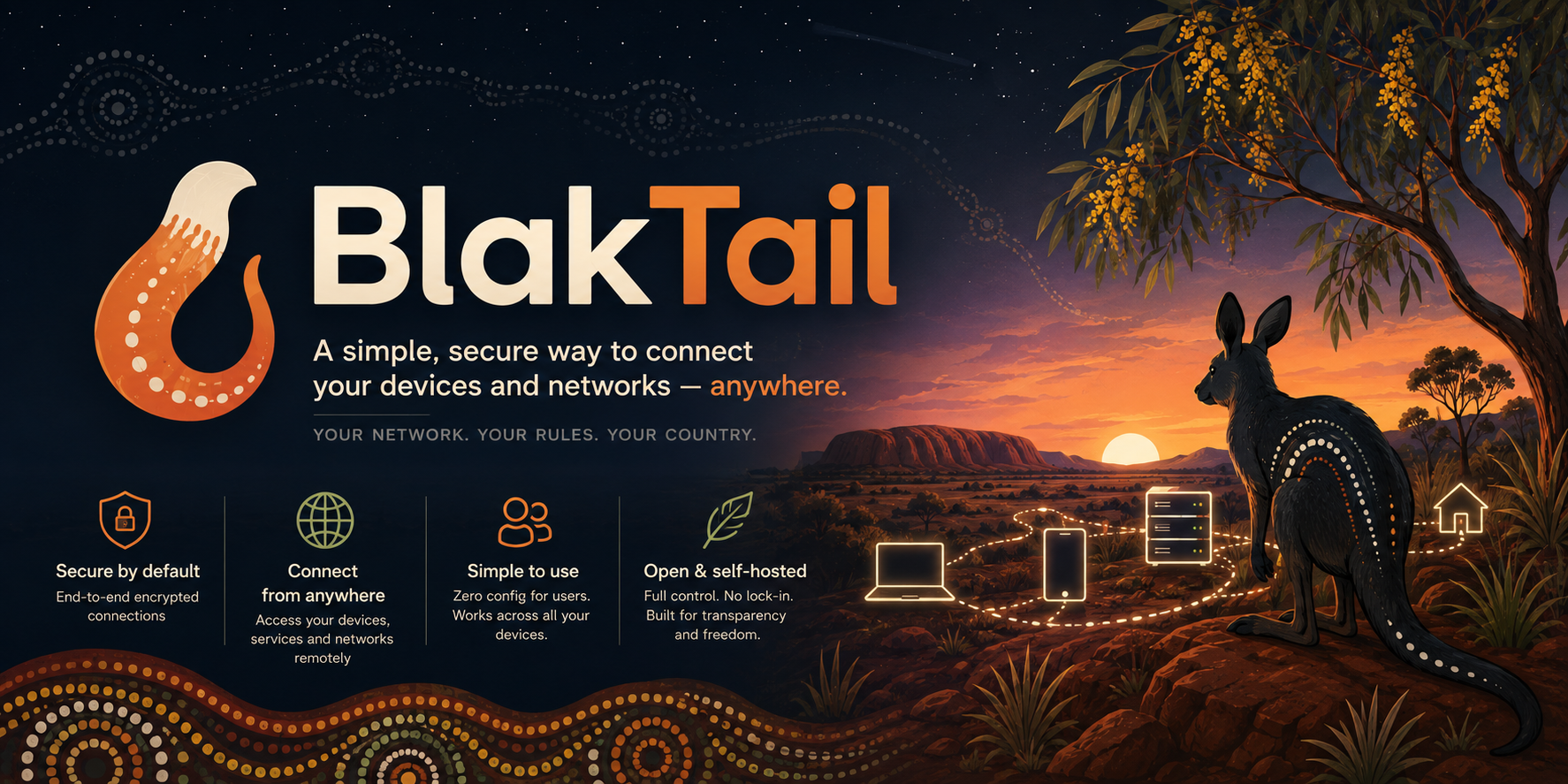
Your network. Your rules. Your Country.
Take your office network anywhere. Safely.
BlakTail links your work computers, phones and offices into one private network over the internet — so staff can work from anywhere and open office files and systems as if they were in the room. Free to run yourself, or get it through AWS Marketplace with our help behind it.
Three ways to get it
Free to run. Backed when you need us.
Do it yourself — free
The software costs nothing and the instructions are public. If you have an IT person, they can set it up in an afternoon.
Buy on AWS Marketplace
Get BlakTail through your AWS account with tidy billing. It still runs in your account, on your side of the fence. Every purchase funds more development.
We help you run it
Priority support: we set it up with you, lock it down properly, and keep an eye on it with you. You talk to the people who built it.
Our sites
More from Yuma IT.
DingoDocs
Penetration testing engagements and reports, kept in one auditable place.
Safe by default
Everything between your devices is scrambled in transit. Nobody in the middle can read it — not even us.
Work from anywhere
Home, field, or another office — staff open the same files and systems as if they were at their desk.
Easy for everyone
Staff click connect and get on with their day. No tech skills needed — your IT person approves new devices in a browser.
Stays in your hands
Your data stays in Australia under your control. No lock-in, and the code is open for anyone to inspect.
Your data stays home
There's no BlakTail cloud. It runs with you.
Some products make you hand your data to their servers overseas. BlakTail works the other way: the software runs on computers you control, in Australia, and your files and details never sit on anyone else's system.
See the ways to get it →What stays with you
Your staff list, your rules about who can reach what, and the records of what's connected — all on computers you control.
What never leaves your devices
The secret keys that prove a device is yours. They are made on the device and never sent anywhere, to us or anyone else.
Getting started
Three steps and you're connected.
- Set up the main computer. One command starts the BlakTail service that keeps track of your devices. Your IT person (or we, with support) do this once.
- Invite your people. Staff sign in through a web page — no public sign-ups, only the people you invite.
- Connect each device. Install the small BlakTail program, approve the new device in the browser, and it's on the private network.